Summarize this post with:
Google Cache was born in the early years of the search engine, more than two decades ago, so people could still read a page even when the site was down or took too long to load.
However, since February 2024 Google retired the cache link that used to appear next to every result and, months later, it disabled the cache operator as well.
According to Google itself, the decision came down to the fact that the feature was created when the web was far less reliable, and that need has practically disappeared with today’s infrastructure.
That said, with Google cached pages gone, it does not mean you can no longer check what a page used to look like, since there are alternative methods that work both inside Google itself and through other search engines and external tools.
What was Google Cache and why did it disappear?
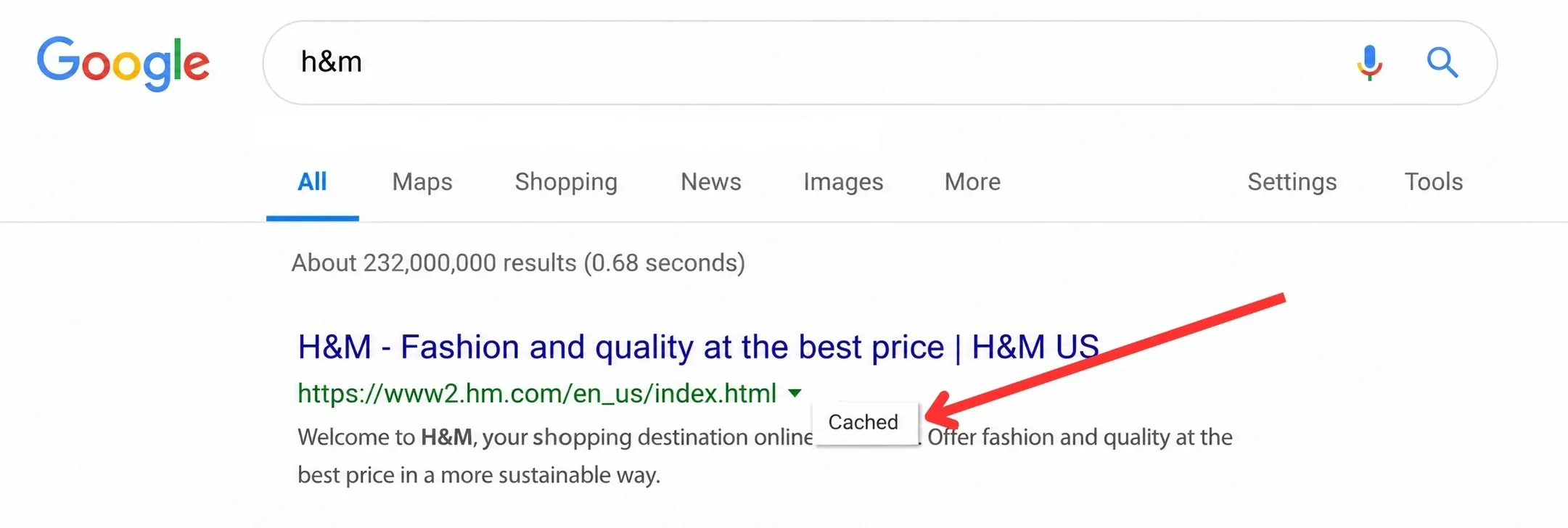
Pages stored in “cache” were a copy of the website exactly as Google saw it the last time it crawled the page. When you clicked the link, you saw that saved version instead of the live page.
This feature served several purposes at once:
- Opening a site that was down or took too long to load.
- Comparing what a page said before and after an edit.
- Checking how Google interpreted the content of a URL.
- Preserving evidence of content that was later deleted.
That is why it was a common tool among journalists, lawyers and professionals, far beyond the technical use it was originally built for.
Why did Google remove the cache?
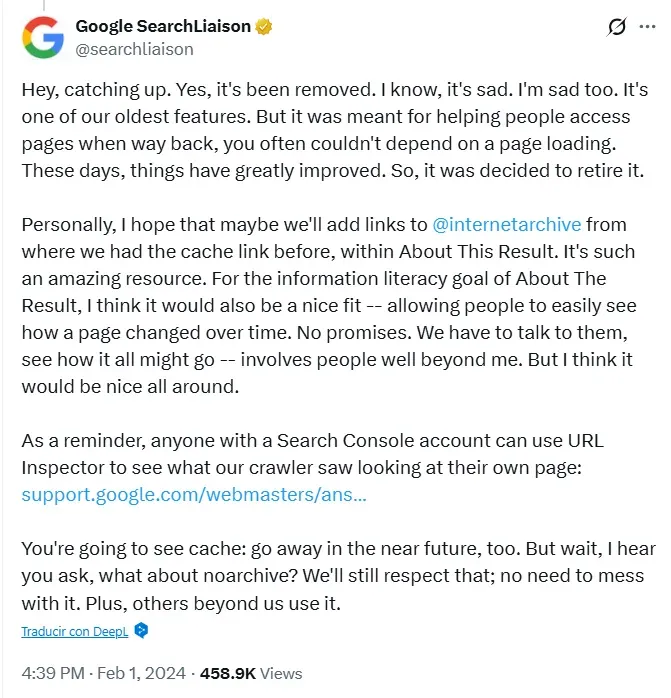
Google confirmed the retirement on February 1, 2024, and its explanation was that the feature was created when pages frequently failed to load, and that need no longer exists with today’s infrastructure.
The link disappeared from the search results first, and months later, in September 2024, the cache operator stopped working completely, so there is no longer any way inside the search engine to open the original copy.
How to view old pages from Google itself?
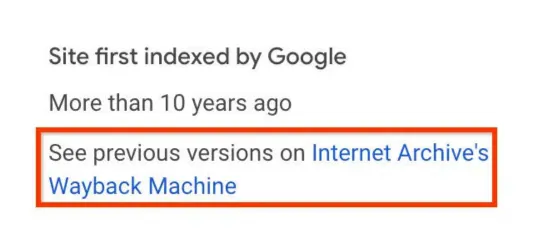
On September 11, 2024, Google added links to the Wayback Machine archive inside the information panel of each result.
That link is no longer available, a redesign of the panel removed the section that hosted it, and Google has published no clarification about the change.
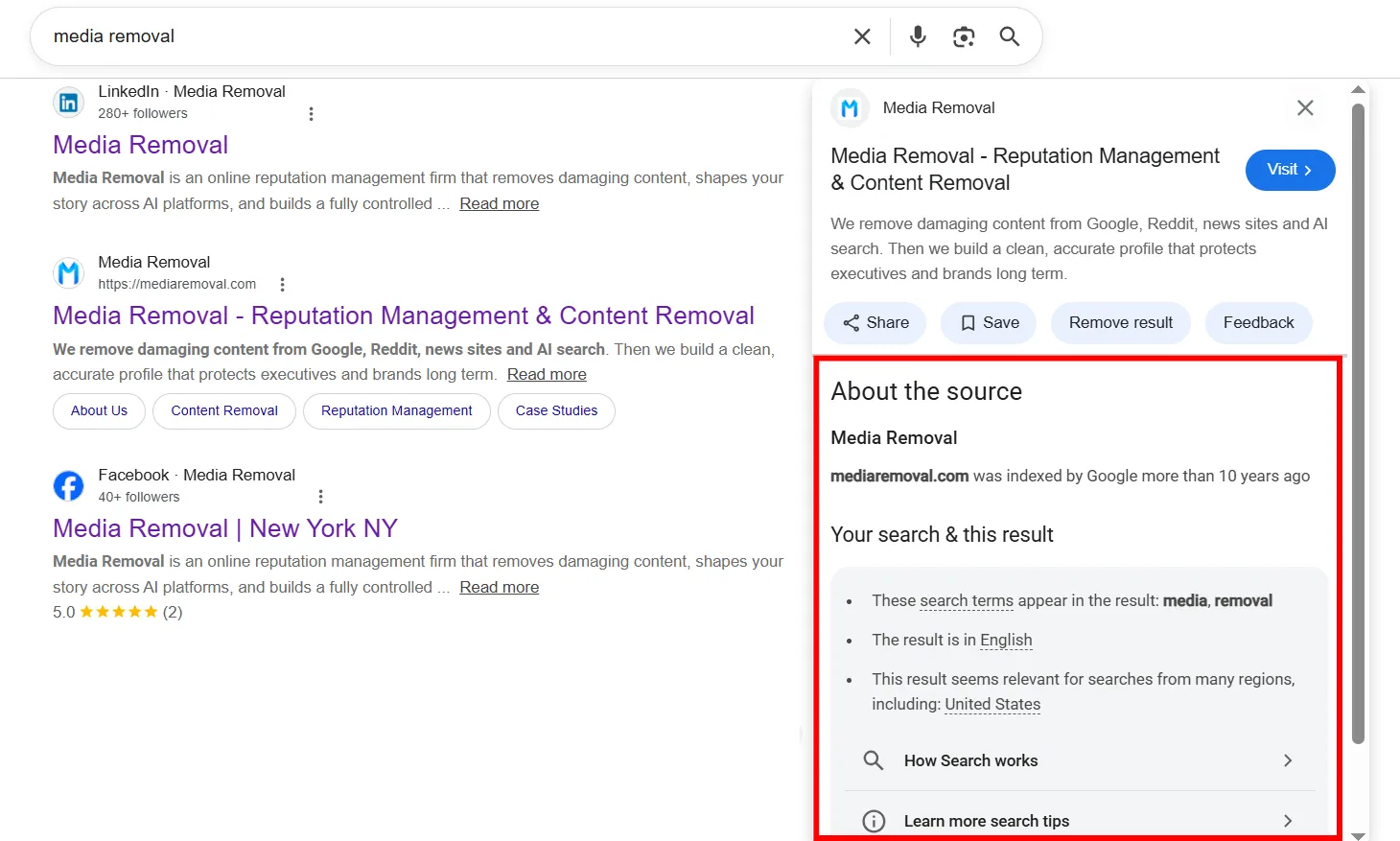
Today, the only way to view earlier versions of a page is to go to the Wayback Machine directly or use external tools.
On the other hand, if the site is yours, you can inspect the URL in Google Search Console, which shows you the crawled HTML and the snapshot Google holds of your own page, something especially useful for confirming whether a change has already been processed.
External alternatives for checking previous versions
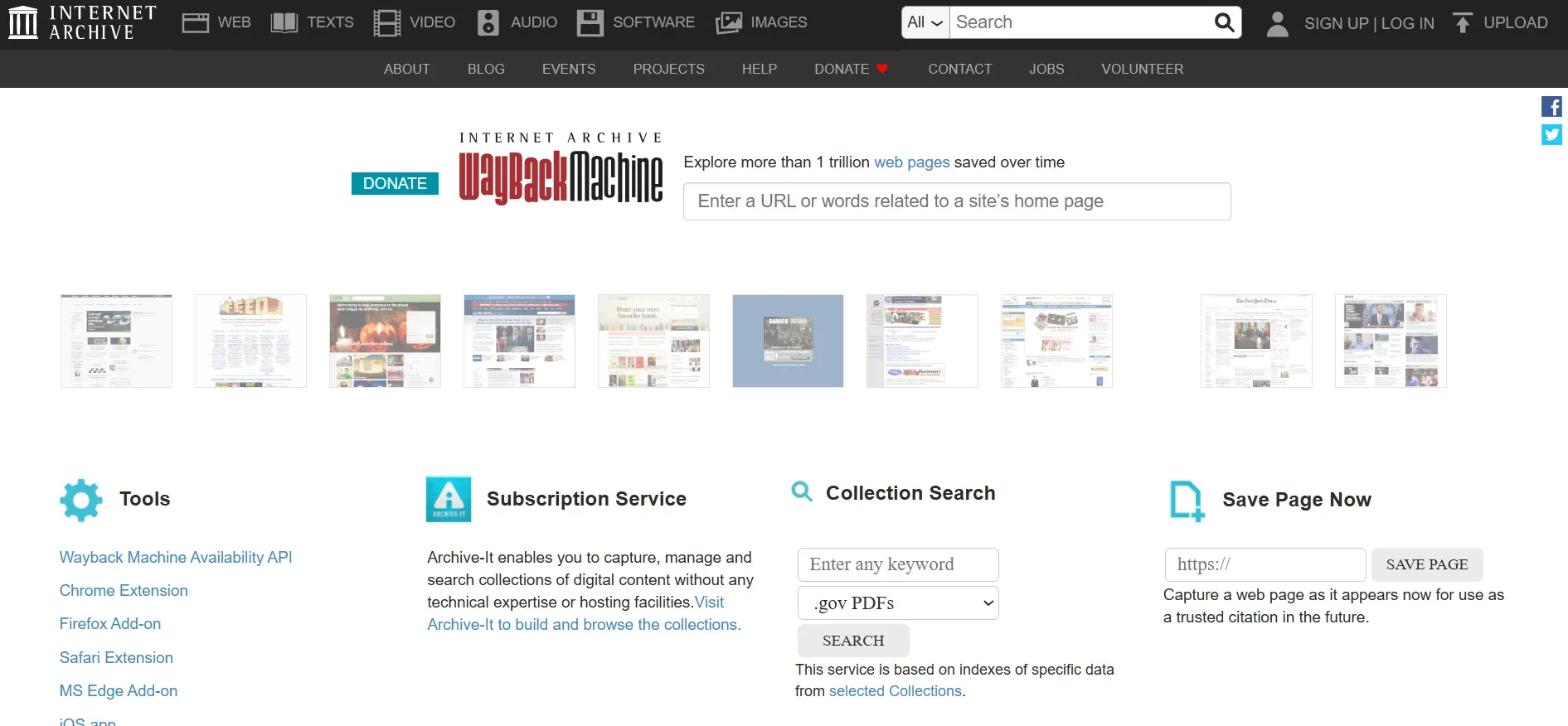
When you cannot find the cached version of a URL in Google, independent archives may have saved a copy of that site.
These are the options that work best today:
- Wayback Machine (web.archive.org): the largest archive and the first place you should go. It lets you browse by date and compare versions.
- Archive.today: it saves one-off snapshots and often keeps pages the Wayback Machine never recorded.
- Bing Webmaster Tools: Bing also retired its public cache in December 2024, but verified owners can still inspect the crawled content of their site.
When can an old copy work against you?
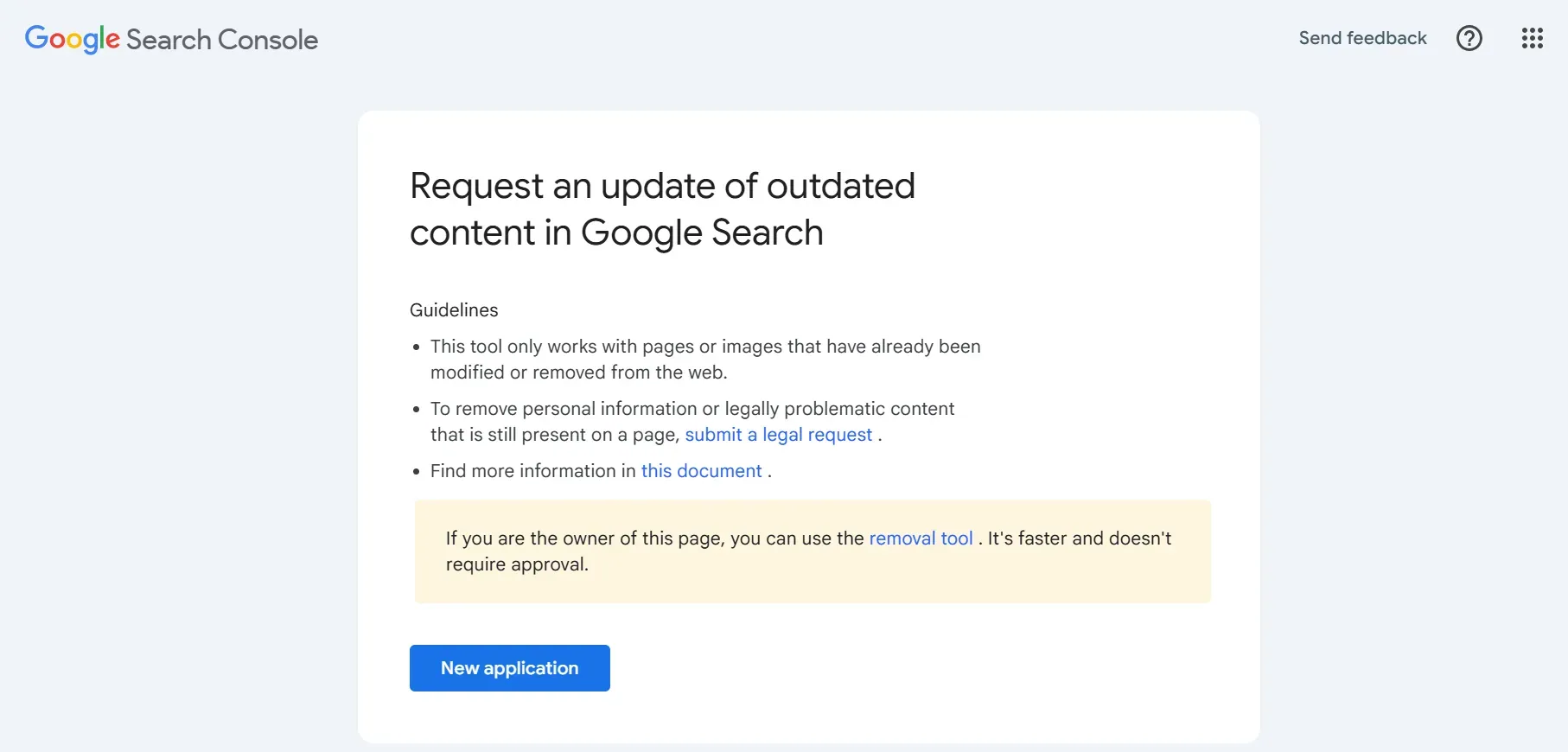
If you managed to remove negative content from the original site, the archived copy can keep circulating and showing up in searches for your name or your brand.
In that scenario you have two options:
- The first one is Google’s outdated content tool, designed to refresh results that no longer match the real page. It does not require you to own the site, but it only works if the page was deleted or if the specific content is no longer live.
- The second one is a removal request to the archive itself, which is handled separately and directly with whoever hosts the copy.
In the case of the Internet Archive there is no public form. Instead, the request is sent by email to info@archive.org, listing the affected URLs and the reason behind the request.
What you should keep in mind before looking for any cached copy of a URL
Google Cache is not coming back, but the information it used to store is still accessible through other channels.
In cases where you want to remove old copies, you can start by removing the URL from Google’s results, then move on to the Wayback Machine, and finish by checking external storage such as “archive.today” if the first search did not return anything.
If the site is yours, Search Console gives you a level of detail no external archive can match. And if what you need is to document something, you can save the evidence as soon as you find it.
When the problem is not finding an old page but getting it to disappear, the ground changes completely and usually requires working on several fronts at once.
At Media Removal we support companies and public figures at exactly that point, helping them remove negative content and regain control over what people see about them online.
If you are in that situation, you can write to us and we will help you review your online content removal case.
 Subscribe to our newsletter
Reputation insights and industry news from the Media Removal team, straight to your inbox.
No spam. Unsubscribe anytime.