Summarize this post with:
Google’s Outdated Content tool is one of the many procedures this search engine offers its users to make special requests.
That said, knowing how to use this feature correctly tends to improve the chances of making a successful request that generates real results.
What is Google’s Outdated Content tool?
Google’s Outdated Content tool is a form that allows people to remove or refresh outdated content on the main results page or on Google Images.
This form allows you to send content requests to the search engine so it can detect which result is outdated compared to the original source, so that the search engine can remove or update it accordingly.
What content can be removed with this tool?
Google’s Outdated Content tool allows you to update outdated versions of websites and images that are still present in the search engine’s results.
If you need to remove another type of content, not only from Google’s results but from another platform and the Internet in general, it’s usually better to look for content removal services developed by specialists in the field.
When should you use Google’s Outdated Content tool?
Google’s Outdated Content tool tends to be extremely useful in any of the following 4 scenarios:
- A web page was deleted, but it still appears in Google’s results.
- An image appears on Google Images after having been deleted.
- A website has changed significantly, but the current version remains in the results.
- You want to remove an image or website with information that is harmful to you from the results, and the content remains in the search engine after its removal from the source.
This Google form does not remove content from the Internet, as it only takes care of removing outdated information from the search engine.
In which situations is it not advisable to use this tool?
This Google method does not work when a website or image is still online and when the most recent version of the site is not very different from the result indexed by the search engine.
As the Google Help Center states, this tool also does not work to force a new crawl of content by the search engine, since it’s usually better to do this process through Google Search Console.
Step-by-step guide to removing a website with Google’s Outdated Content tool
The procedure for removing outdated websites from Google’s search engine doesn’t have many steps, but we’ll still walk you through it for your convenience:
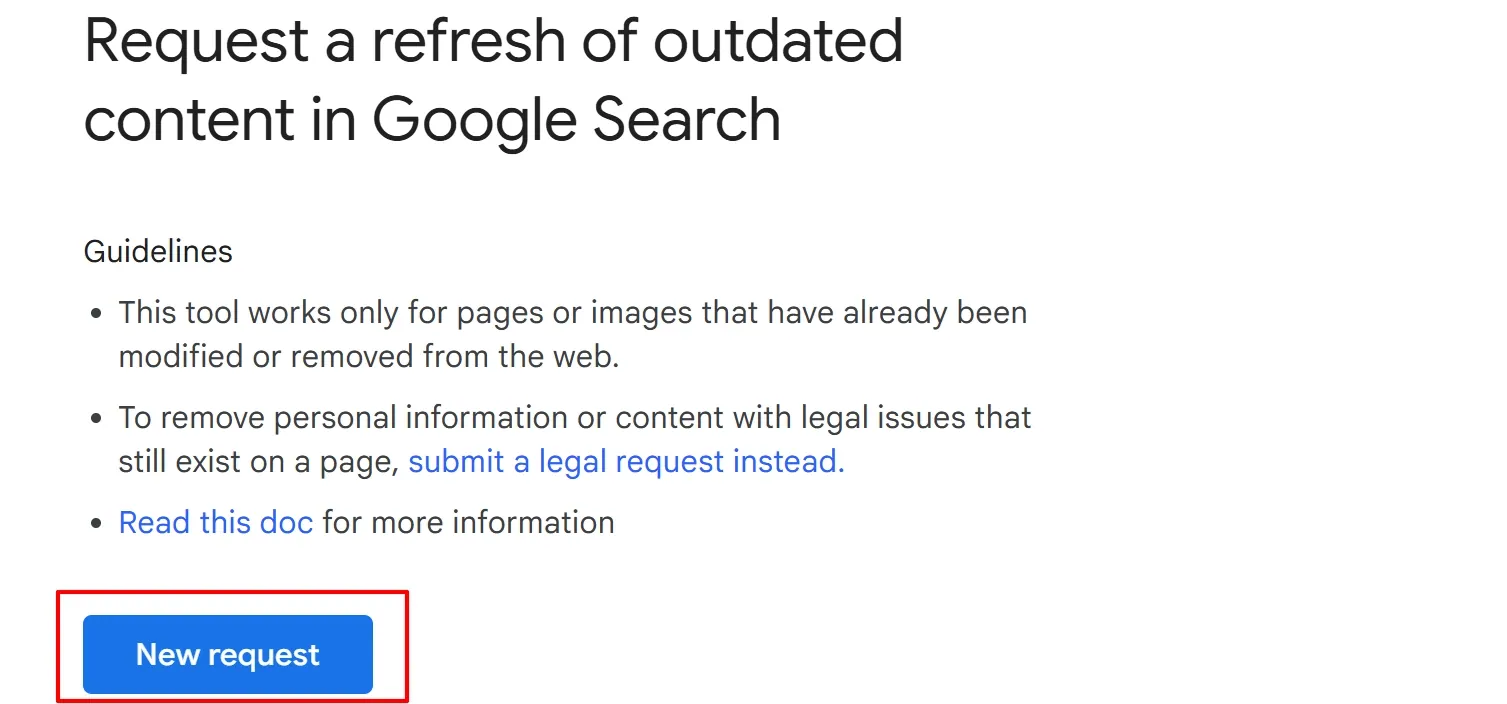
- First, you must go to the Outdated Content tool and click on “New Request“.
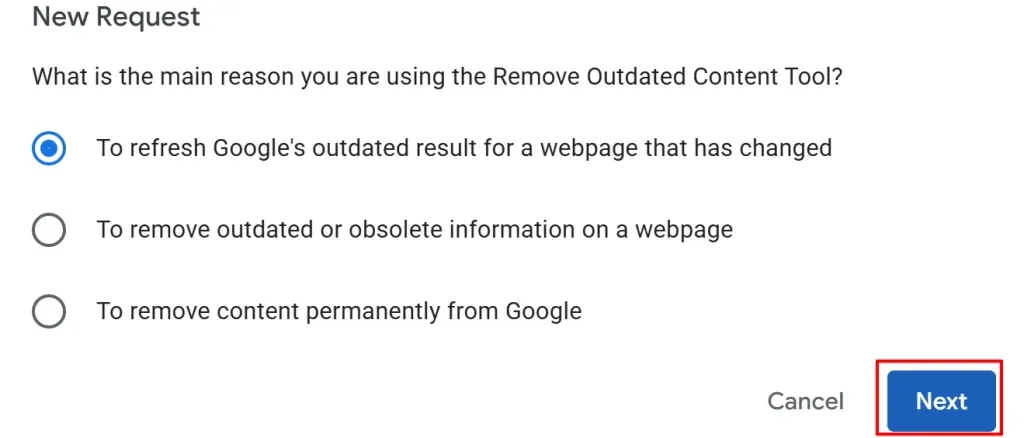
- Then, Google will ask why you are using this procedure. You must select the first option.
- To remove a website that no longer exists from the search results, you must stay on the “Page” tab and add the URL of the page you want to remove.
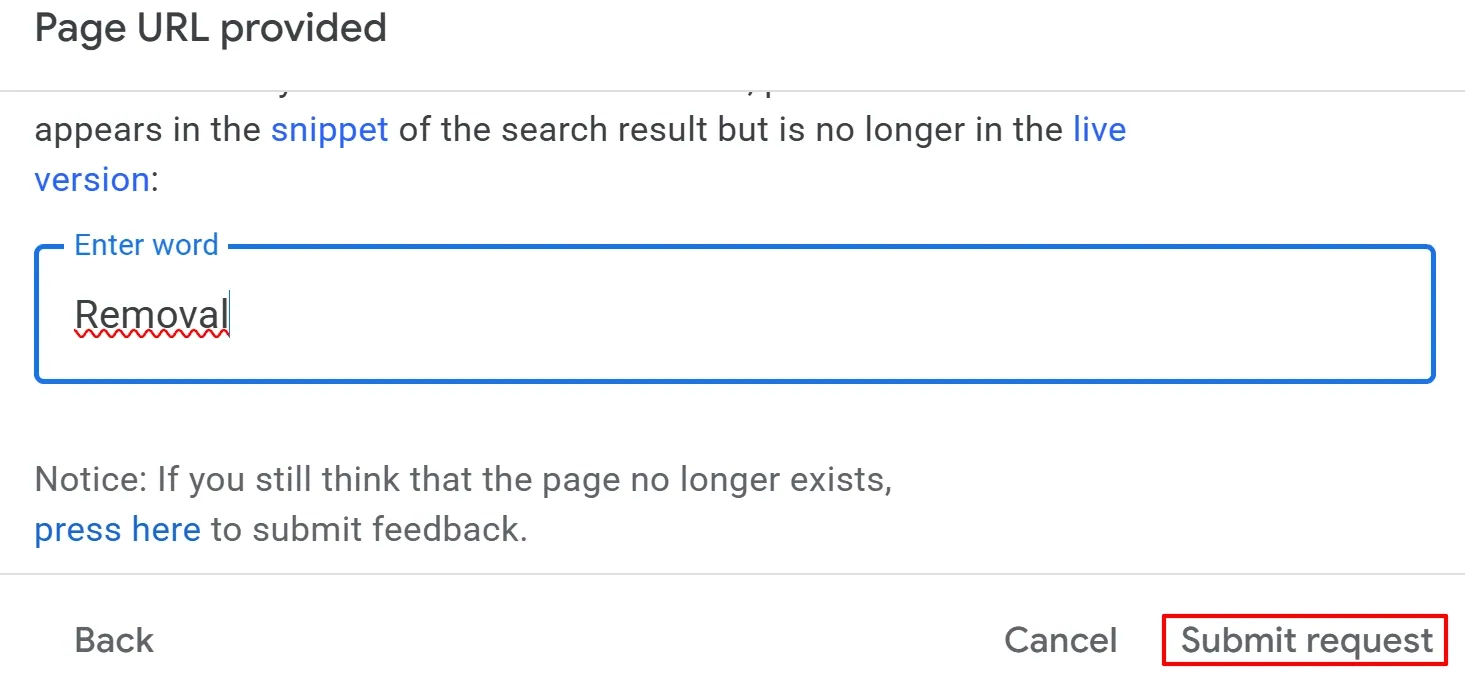
- If the tool detects that the site still exists, Google will ask you to include a word from the snippet that no longer appears in the current version of the page.
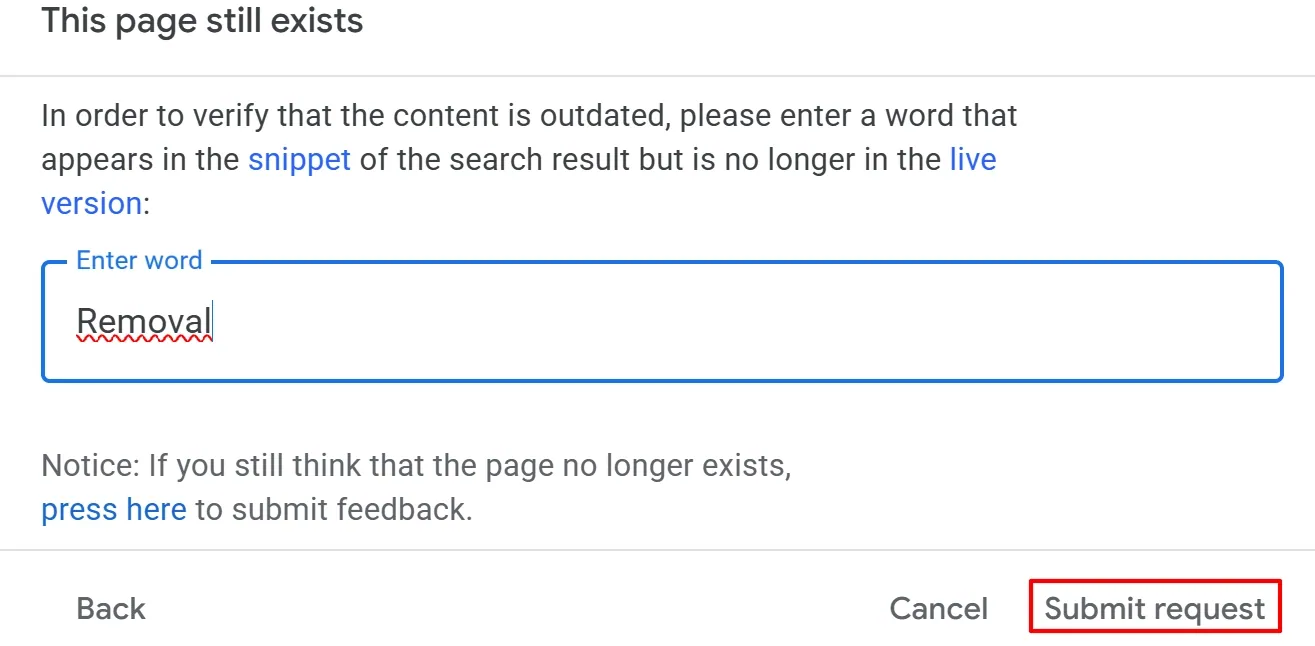
- To finish this process, you can select “Submit Request“.
The request you just created will appear at the bottom of the page with its corresponding creation date and current status, allowing you to properly track it.


Take back control of your online reputation
We can review your case and offer a personalized solution to take back control of what’s said about you or your business online.
Get a quote in less than 24 hours
How to use Google’s Outdated Content tool to remove images?
The sequence of steps to request the removal of an outdated image on Google is, broadly speaking, the same procedure that applies to websites, but with a few small differences that we’ll clarify below:
- After starting a new request and telling Google that you want to update the result of a website that has changed, you must click on the “Image” tab.
- On this tab, the first thing you need to do is enter the link to the content you want to remove from Google Images.
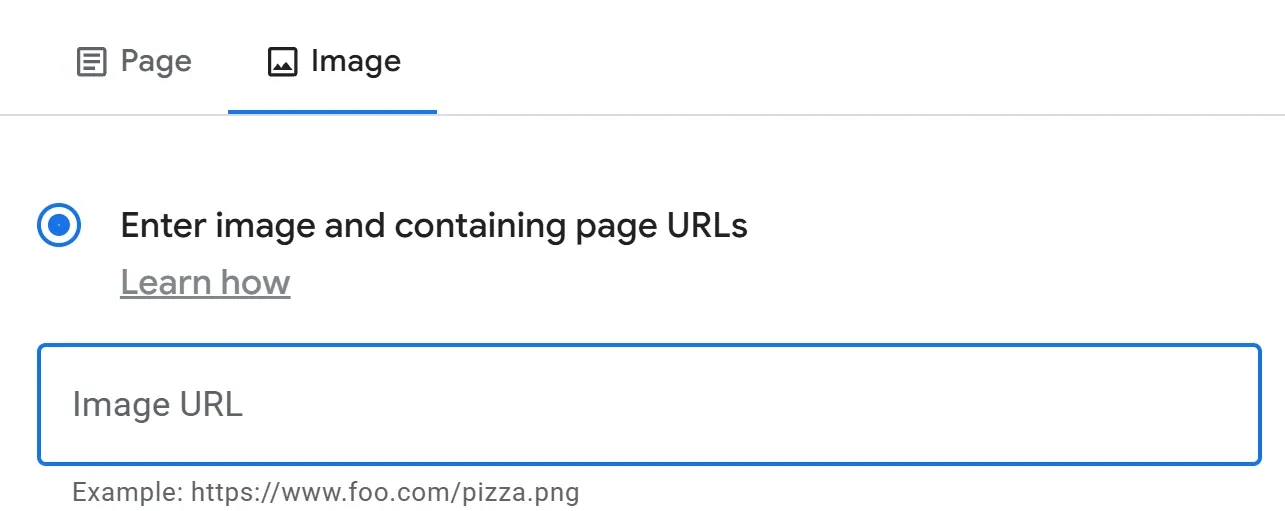
- Next, you must indicate the URL of the website that contains the image you want to remove from the results.

- Google will likely also ask you to add a word associated with the image that is not in the latest version of it.
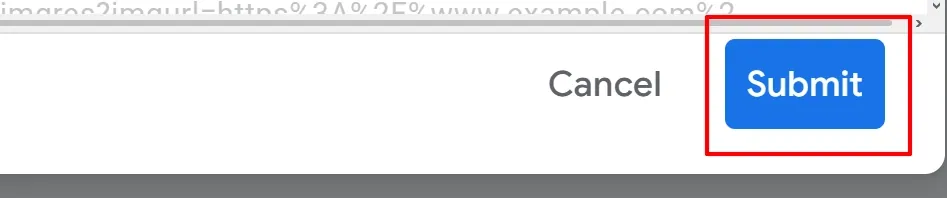
- To finish this procedure, you must click on “Submit“.
As with the previous procedure, your request to update an outdated image will also appear in the lower section of the page, where you can track this and other requests.
How long does Google take to resolve a request?
Usually, requests made with the Outdated Content tool receive a response from Google a few days after the request is made.
However, this timeframe can change depending on the characteristics of the content, and it’s possible that it may respond within a few weeks.
What happens to the content after making the request?
Google can remove the web page or image from its results if it verifies that it was deleted and no longer exists.
That said, if the page is still online but has changed significantly, the search engine is able to update the result to stop showing the old information. The URL will still appear in the results, but with a new description.
What to do if Google rejects the request to remove outdated content?
If Google rejects your request with its Outdated Content tool, you have the option to make a new request for the search engine to review the URL again in case it made a mistake.
A second recommendation for handling this case is to check with the website administrator whether the page or image was properly deleted or, failing that, whether the site’s information changed significantly.
Final thoughts on Google’s Outdated Content tool
Google’s Outdated Content tool tends to be a good option to complement the removal of an image or website from the Internet.
If content was deleted at the source and, nevertheless, appears on Google weeks or months after deletion, you likely need to use this method to remove it permanently.
That said, it’s worth clarifying that this Google tool is not infallible, and it’s possible that it won’t resolve your request satisfactorily. In this scenario, you’ll likely need to turn to a group of Internet content removal experts.
At Media Removal, we develop specialized information removal methods that make it easier for Google to deindex outdated content from its results.
We invite you to schedule a meeting with us to discuss your case in as much detail as possible so we can start building a solution tailored to your needs.
 Subscribe to our newsletter
Reputation insights and industry news from the Media Removal team, straight to your inbox.
No spam. Unsubscribe anytime.