Summarize this post with:
Considering that Steam is one of the video game stores with the largest number of users in the world, the reputation of each game published on the platform is no small matter.
After all, a negative review can prevent someone from buying a game due to the likely distrust the comment can generate.
That said, having information about how to delete Steam reviews tends to be useful so that both players and content developers have methods at their disposal to defend the game against possible coordinated defamatory attacks.
Is it possible to delete reviews on Steam?
Although it is indeed possible to delete Steam reviews, only players have permission to delete comments directly, and only their own opinions.
While game developers are not able to directly delete the reviews they receive, they can flag those evaluations that possibly violate the platform’s rules so that Valve decides whether they stay up or get removed from the service.
Steam’s rules on reviews
The Steam Support center includes the rules the platform sets for different content spaces and formats. For user reviews of games, the service lists the following prohibitions:
- Directly insulting or abusing other players, developers, or groups is not allowed.
- Hate speech and threats are not permitted.
- Reviews must not include promotional content.
- If the player received a free copy of the game, they are required to disclose it in their review.
- Creating multiple accounts to leave reviews is prohibited.
- Players cannot receive any kind of compensation for leaving reviews.
If Steam’s moderators consider that a comment meets one or several of these items, the review may be removed from the platform.
How to delete Steam reviews from my profile?
If a Steam player no longer identifies with their review of a game and doesn’t want to leave any trace of the comment, Steam offers the option to delete it directly from their own profile with the following procedure:
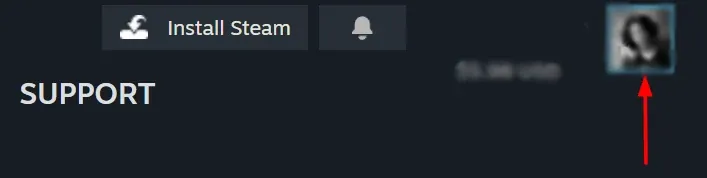
- First, go to your Steam profile page through your profile picture at the top of the screen.
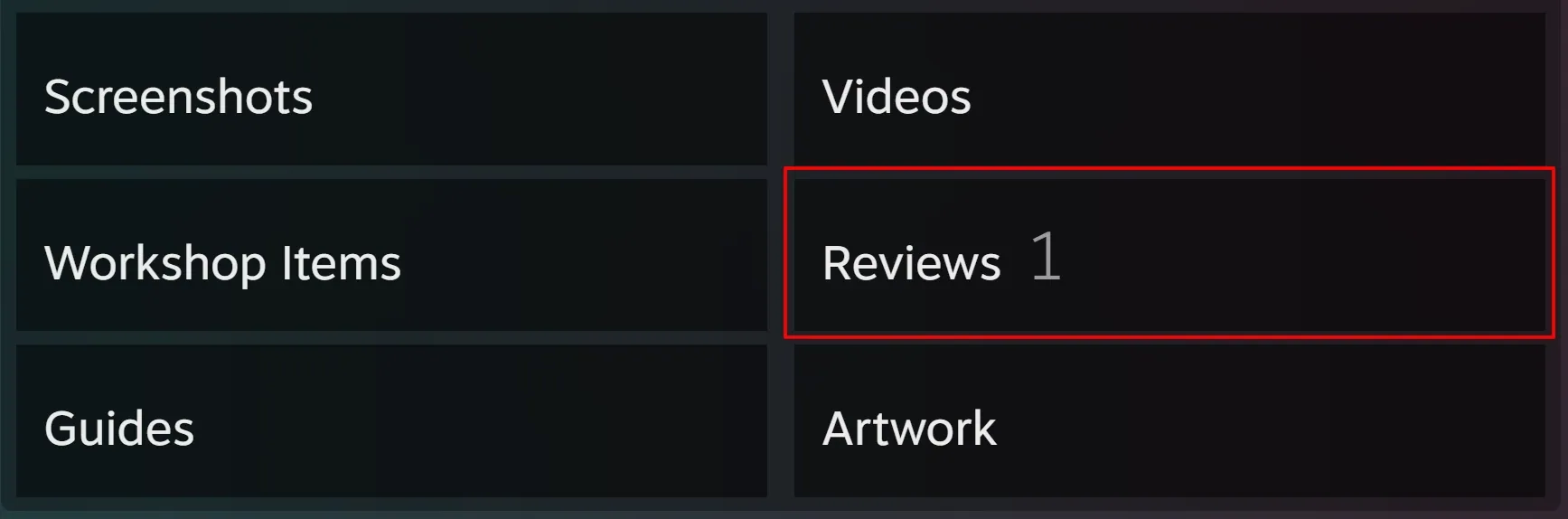
- Once on your profile page, you will find a side column on the right with several options. Among them, you need to select “Reviews“.
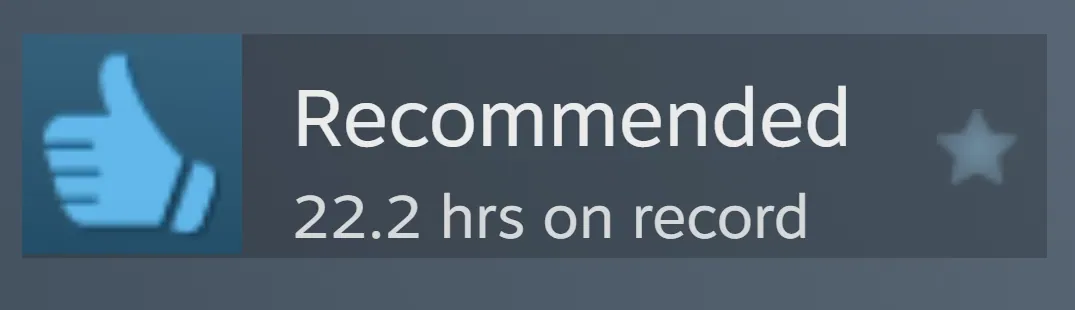
- You will arrive at a page with all your published reviews. Here, click on the thumb icon associated with your comment to select it.
- After selecting the comment you want to delete, you will arrive at a page with a side panel with options exclusive to the review’s author. Here, you need to choose the “Delete” option.

- Steam will display a confirmation window. To finish deleting your comment, you can click “Ok“.
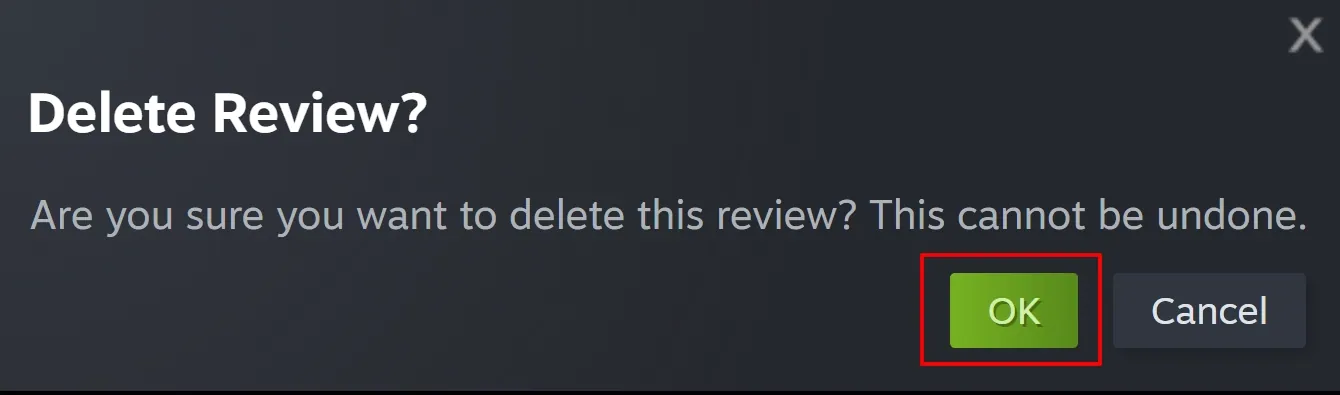
This way, your comment will be completely and immediately removed from the platform.
How to delete Steam reviews from the game store page?
Steam users also have the option to delete their review directly on the page of the game they rated by going directly to the game’s store page.
This site will display a special box with information about the player’s review. In this box, people must click “View your review” to reach the same page as step 4 of the previous procedure and repeat the same actions.

Is it possible to edit a review without deleting it?
If a user needs to correct writing errors or add information to their comment, Steam offers the option to edit their review directly.
A person can edit their review from their profile on the platform or by locating their comment in the corresponding section on the store page of the game they played. Either way, the player will be able to edit their review by clicking “Edit review”.

Take back control of your online reputation
We can review your case and offer a personalized solution to take back control of what’s said about you or your business online.
Get a quote in less than 24 hours
How to report another user’s review on Steam?
A Steam user does not have permission to directly delete another player’s comment on the platform, but it is possible to report the review for a possible violation of the service’s rules.
On Steam, a person can report another user’s comment with this procedure:
- First, go to the store page with the review you want to report.
- Then, locate the comments section to find the review you will report.
- Once you find the review to report, you must click on the thumb to open a new page.
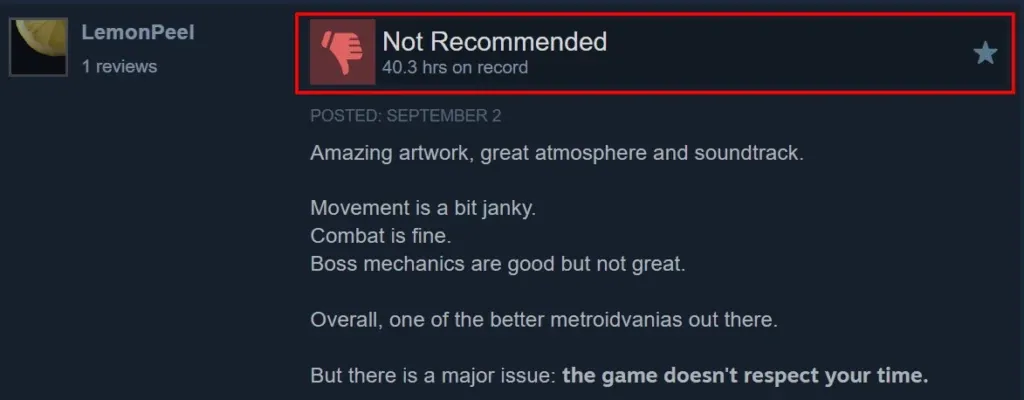
- On this new page, at the end of the review, you will find a flag icon that you can use to report the content.

- When you click on the flag, Steam will display a window and ask you to provide more details about your report.
- To finish reporting the other player’s comment, click “Ok“.
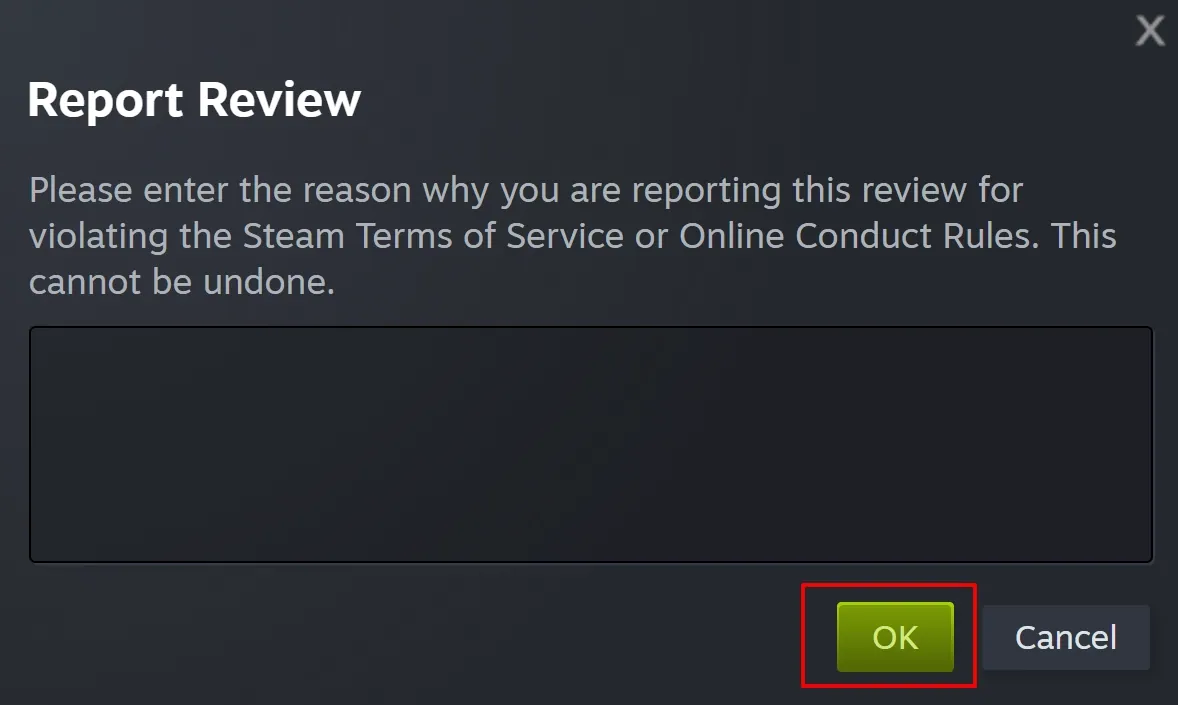
It’s important to note that the review’s author will not receive any notice that their comment was reported and that, for as long as Steam’s investigation lasts, the review will remain visible to other users.
How long does it take Steam to decide on a report?
Steam does not have an estimated timeframe to respond to user reports about reviews that possibly violate its rules.
This platform also does not send emails to people to inform them about the status of their request.
How to report a review on Steam as a developer?
Developers interested in reporting a negative review on Steam must follow the same procedure as regular users, since they don’t have a dedicated management panel for handling comments.
As with players, developers also don’t receive updates from Steam about the status of their request after reporting the malicious review.
What can the developer do if Steam doesn’t remove the review?
If Steam decides not to remove the harmful review on the developer’s game, the most practical alternative is to issue a public response, one that is honest and transparent and addresses the player’s dissatisfaction.
That said, it’s important to note that each developer can only respond once to each player review, so each response should be carefully thought out beforehand.
Final thoughts on deleting Steam reviews
Negative Steam reviews can damage a game’s image both on and off the platform.
Fortunately, both developers and players have methods available to them to remove these reviews, whether directly or through Steam’s intervention.
However, a negative comment may not be deleted if it complies with the service’s rules. If this happens, turning to a specialized content removal partner tends to be a good option for the developer.
At Media Removal we develop and implement specialized solutions to remove content on Steam or other platforms that go beyond the scope of conventional procedures.
If you have an issue that requires a specialized response, you can schedule a meeting with our team of experts so we can look into your case and develop a solution tailored to your situation.
 Subscribe to our newsletter
Reputation insights and industry news from the Media Removal team, straight to your inbox.
No spam. Unsubscribe anytime.